Remove Clothes from Photo A Comprehensive Guide
2026
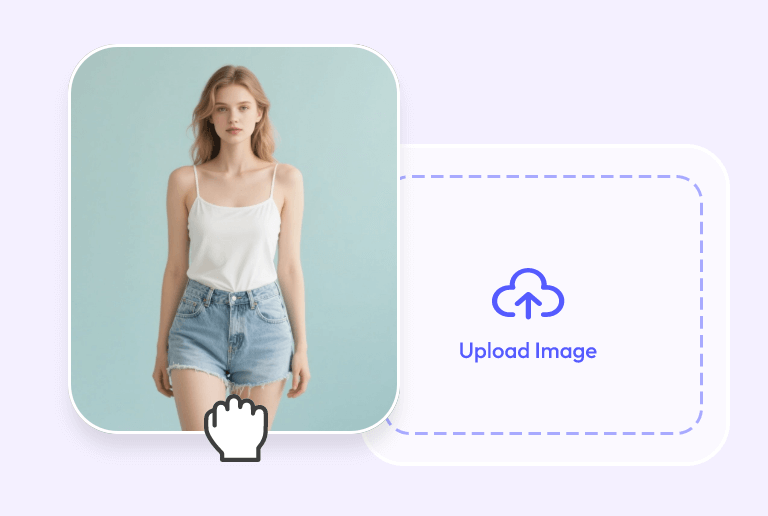
Remove Clothes from Photo: Techniques and Considerations
If you’ve ever wanted to edit photos to remove clothing, whether for artistic purposes or digital experiments, the process can be both intriguing and technically challenging. Websites like Remove clothes from photo undresslab.net provide tools to facilitate image manipulation, but it’s essential to approach such tasks with care and respect for privacy and consent.
Understanding the Basics
Removing clothing from a photograph involves understanding image editing software and the complexities of digital manipulation. Whether you are using Photoshop, GIMP, or an online tool, the fundamental principles remain the same. Typically, the process includes selection, masking, and using clone stamps or healing brushes to fill in the areas previously covered by clothing.
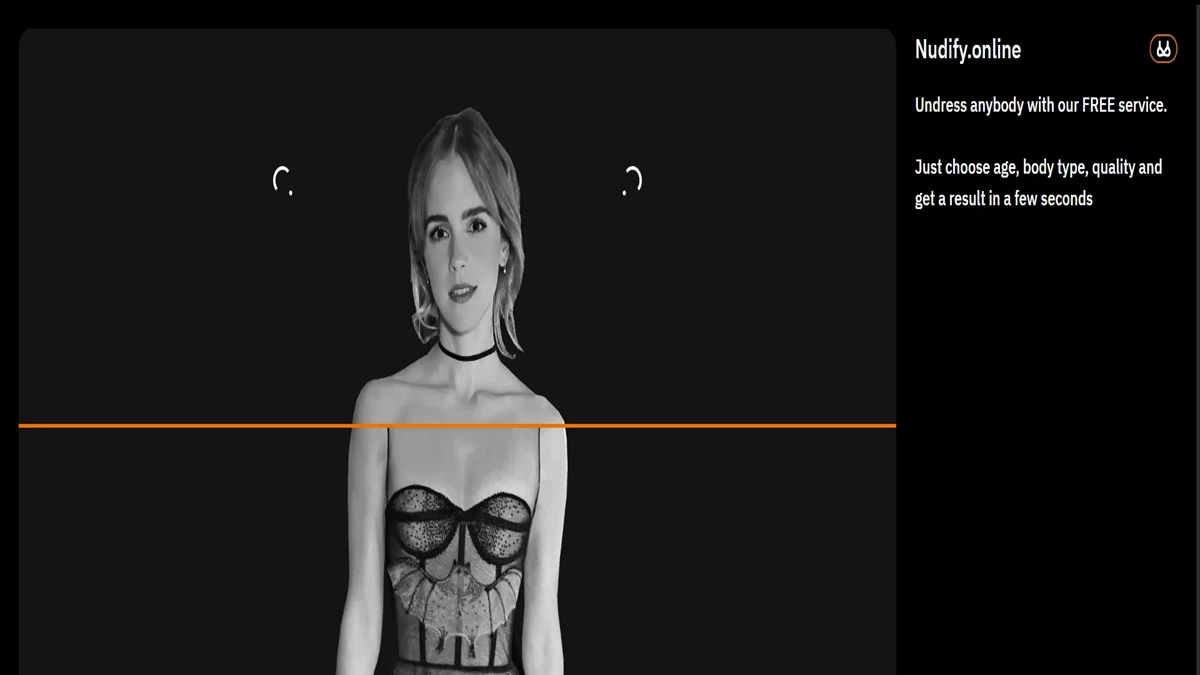
Where to Start?
The journey into removing clothes from photos begins with choosing the right software. Below are some popular options:
- Adobe Photoshop: The industry standard for photo editing, offering a plethora of tools for selective editing.
- GIMP: A free and open-source alternative that provides many similar functionalities as Photoshop.
- Online Tools: Websites like undresslab.net enable users to manipulate images without downloading software.
Techniques for Removing Clothes
Once you’ve chosen your software, there are several techniques for removing clothes:
1. Lasso Tool/Selection Tool
Begin by using a lasso tool or a selection tool to outline the area of the clothing you wish to remove. Make the selection as precise as possible to ensure a seamless edit.
2. Layer Masking
Layer masking allows you to hide parts of a layer instead of deleting them, providing more control over your edits. After selecting the clothing, apply a layer mask to remove it while keeping the underlying image intact.
3. Healing Brush and Clone Stamp Tools
After the clothes have been removed, you can use the healing brush and clone stamp tools to fill in the resulting gaps naturally. This step is crucial to make the image look realistic.
4. Fine-Tuning with Filters
Once you’ve made the initial edits, applying filters to enhance the overall look of the image can help blend the changes more naturally with the rest of the photograph.
Considerations and Ethics
While removing clothing from photos can be an interesting artistic venture, it raises a number of ethical issues. It is vital to consider the consent of anyone depicted in an image before manipulating it. Here are some ethical considerations to keep in mind:
- Consent: Always obtain permission from individuals before altering their images, particularly when sensitive subject matter is involved.
- Context: Understand the context in which the edited photo will be used. Digital art, personal projects, and public sharing all have different implications.
- Artistic Intention: Know your motivation behind the edit. Is it for artistic expression or disrespect? That intent can significantly affect how your work is perceived.
Practical Applications
Removing clothes from photos has various applications, including:
- Fashion Design: Designers often use digital manipulation to visualize how clothing looks on models without physically dressing them.
- Photography and Art: Artists may use this technique to create unique perspectives in their work.
- Advertising: Brands sometimes edit images to remove unwanted elements and focus on their products.
Conclusion
Removing clothes from photos is a technically demanding yet creatively rewarding process. It encourages a balance between artistic expression and ethical responsibility. With the right tools and understanding, you can achieve impressive results while respecting the individuals in your images. Whether you are engaging in this practice out of curiosity, for creative projects, or other motives, always question the ethics and implications of your work.
Remove Clothes from Photo A Comprehensive Guide
2026
Remove Clothes from Photo: Techniques and Considerations
If you’ve ever wanted to edit photos to remove clothing, whether for artistic purposes or digital experiments, the process can be both intriguing and technically challenging. Websites like Remove clothes from photo undresslab.net provide tools to facilitate image manipulation, but it’s essential to approach such tasks with care and respect for privacy and consent.
Understanding the Basics
Removing clothing from a photograph involves understanding image editing software and the complexities of digital manipulation. Whether you are using Photoshop, GIMP, or an online tool, the fundamental principles remain the same. Typically, the process includes selection, masking, and using clone stamps or healing brushes to fill in the areas previously covered by clothing.
Where to Start?
The journey into removing clothes from photos begins with choosing the right software. Below are some popular options:
- Adobe Photoshop: The industry standard for photo editing, offering a plethora of tools for selective editing.
- GIMP: A free and open-source alternative that provides many similar functionalities as Photoshop.
- Online Tools: Websites like undresslab.net enable users to manipulate images without downloading software.
Techniques for Removing Clothes
Once you’ve chosen your software, there are several techniques for removing clothes:
1. Lasso Tool/Selection Tool
Begin by using a lasso tool or a selection tool to outline the area of the clothing you wish to remove. Make the selection as precise as possible to ensure a seamless edit.
2. Layer Masking
Layer masking allows you to hide parts of a layer instead of deleting them, providing more control over your edits. After selecting the clothing, apply a layer mask to remove it while keeping the underlying image intact.
3. Healing Brush and Clone Stamp Tools
After the clothes have been removed, you can use the healing brush and clone stamp tools to fill in the resulting gaps naturally. This step is crucial to make the image look realistic.
4. Fine-Tuning with Filters
Once you’ve made the initial edits, applying filters to enhance the overall look of the image can help blend the changes more naturally with the rest of the photograph.
Considerations and Ethics
While removing clothing from photos can be an interesting artistic venture, it raises a number of ethical issues. It is vital to consider the consent of anyone depicted in an image before manipulating it. Here are some ethical considerations to keep in mind:
- Consent: Always obtain permission from individuals before altering their images, particularly when sensitive subject matter is involved.
- Context: Understand the context in which the edited photo will be used. Digital art, personal projects, and public sharing all have different implications.
- Artistic Intention: Know your motivation behind the edit. Is it for artistic expression or disrespect? That intent can significantly affect how your work is perceived.
Practical Applications
Removing clothes from photos has various applications, including:
- Fashion Design: Designers often use digital manipulation to visualize how clothing looks on models without physically dressing them.
- Photography and Art: Artists may use this technique to create unique perspectives in their work.
- Advertising: Brands sometimes edit images to remove unwanted elements and focus on their products.
Conclusion
Removing clothes from photos is a technically demanding yet creatively rewarding process. It encourages a balance between artistic expression and ethical responsibility. With the right tools and understanding, you can achieve impressive results while respecting the individuals in your images. Whether you are engaging in this practice out of curiosity, for creative projects, or other motives, always question the ethics and implications of your work.
u said